

PRECISION HAPTIC CONTROLLER
Inverse3
Precision force-feedback control for robotics, simulation, research, training, medical, and industrial workflows.

WHAT INVERSE3 IS
A precision haptic controller for touch-enabled control
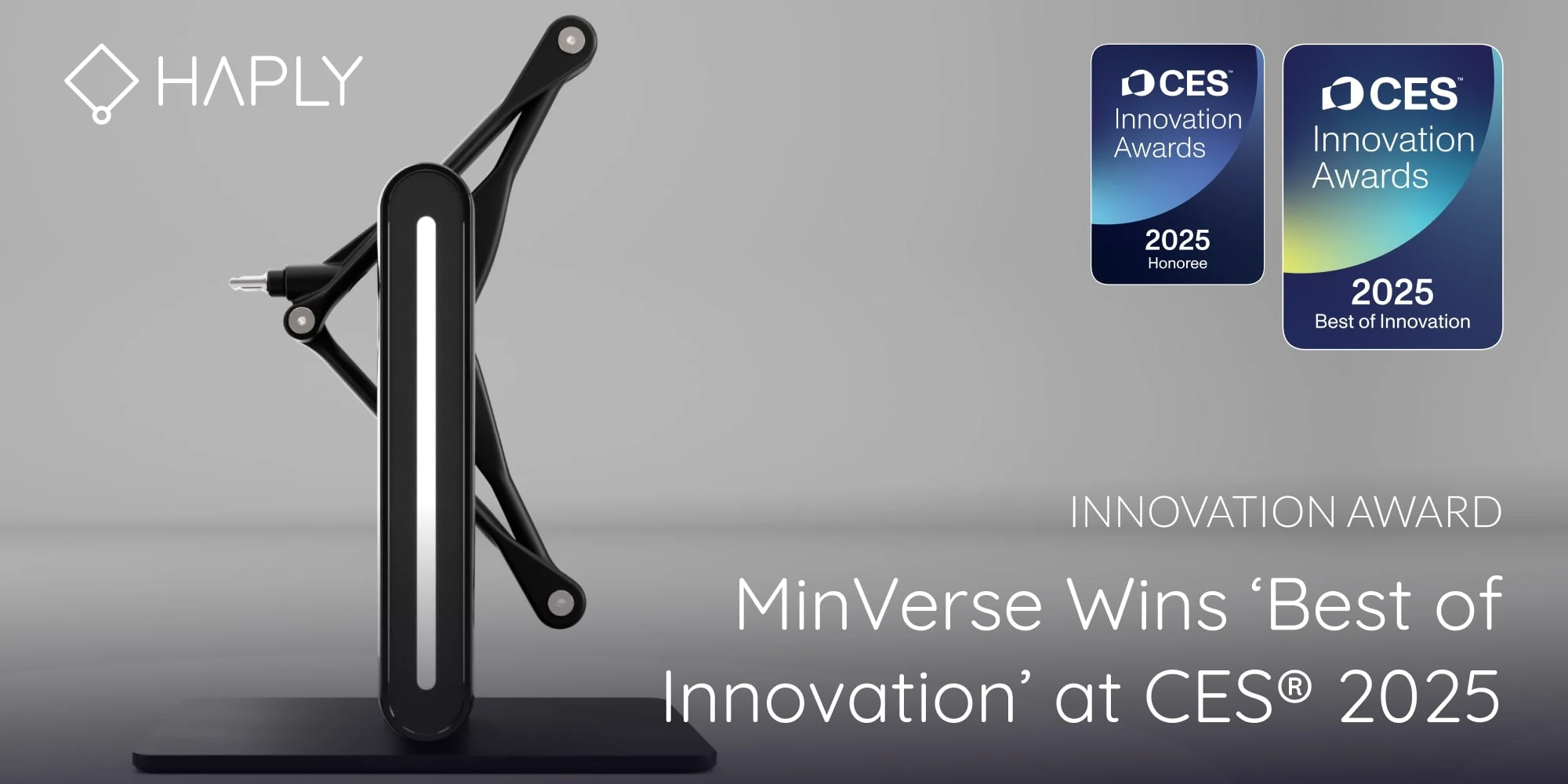
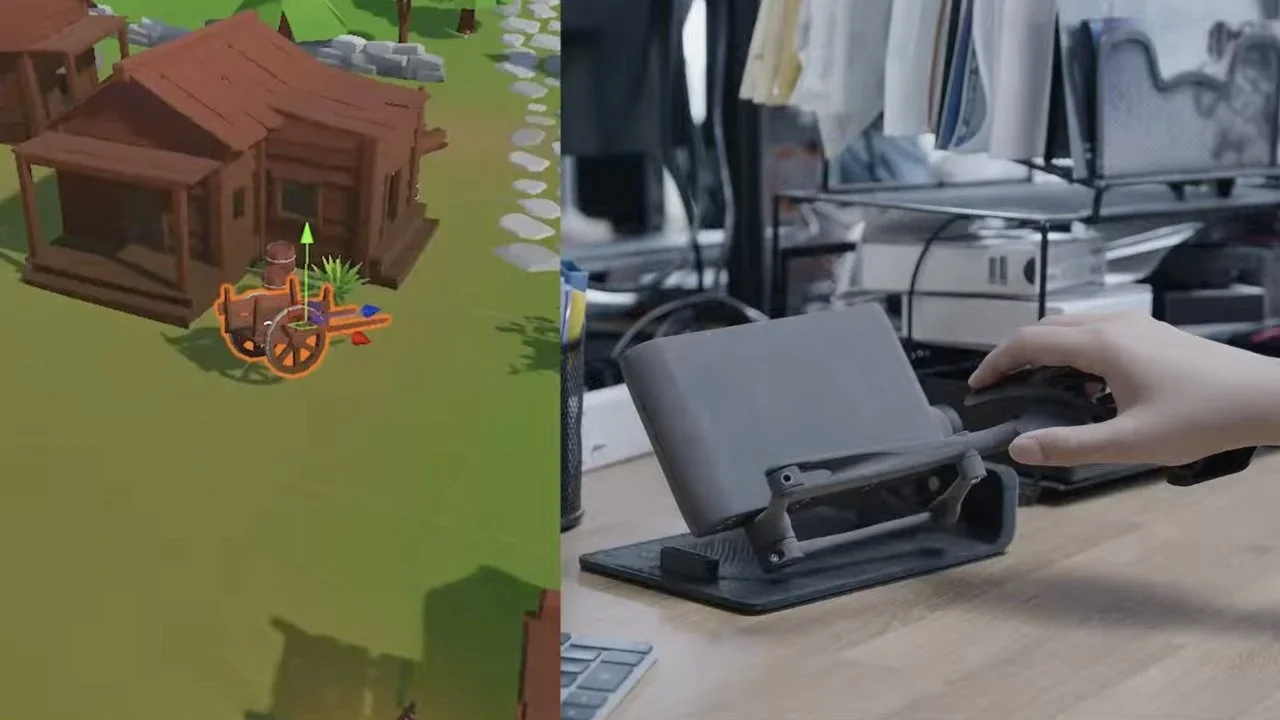
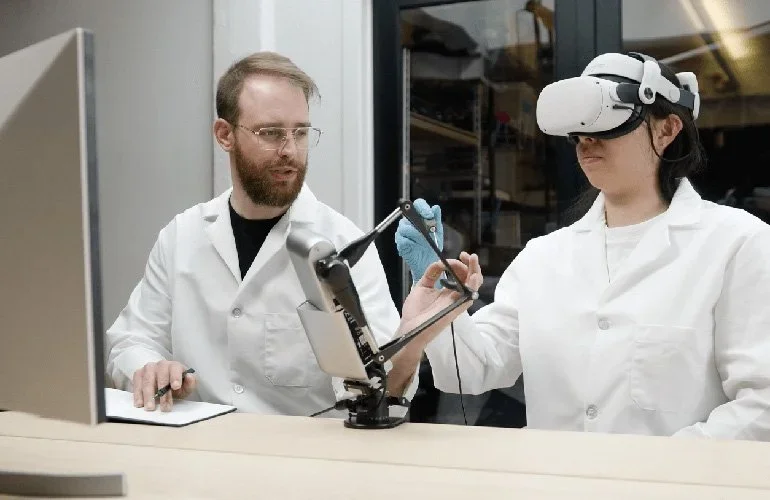
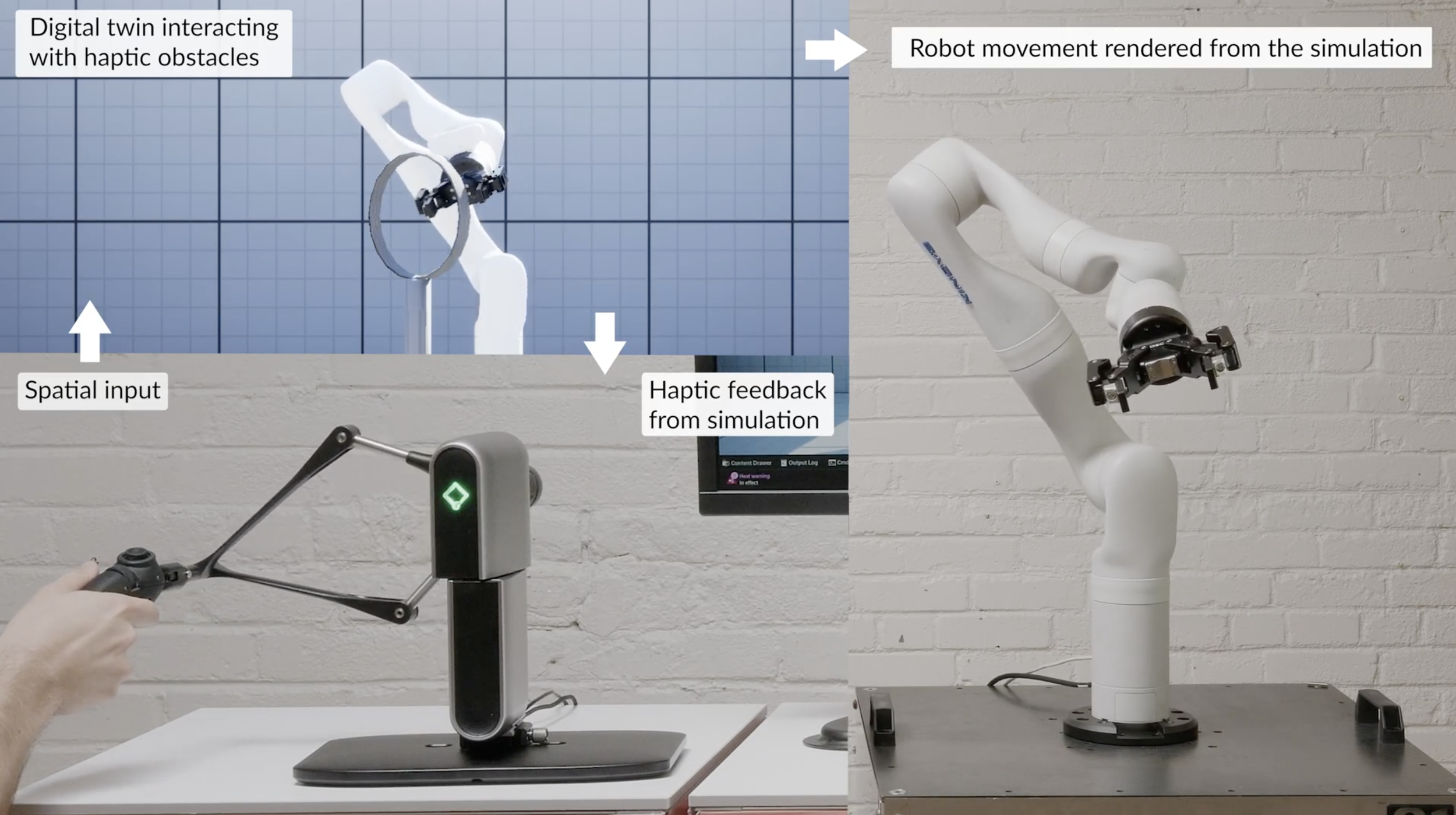
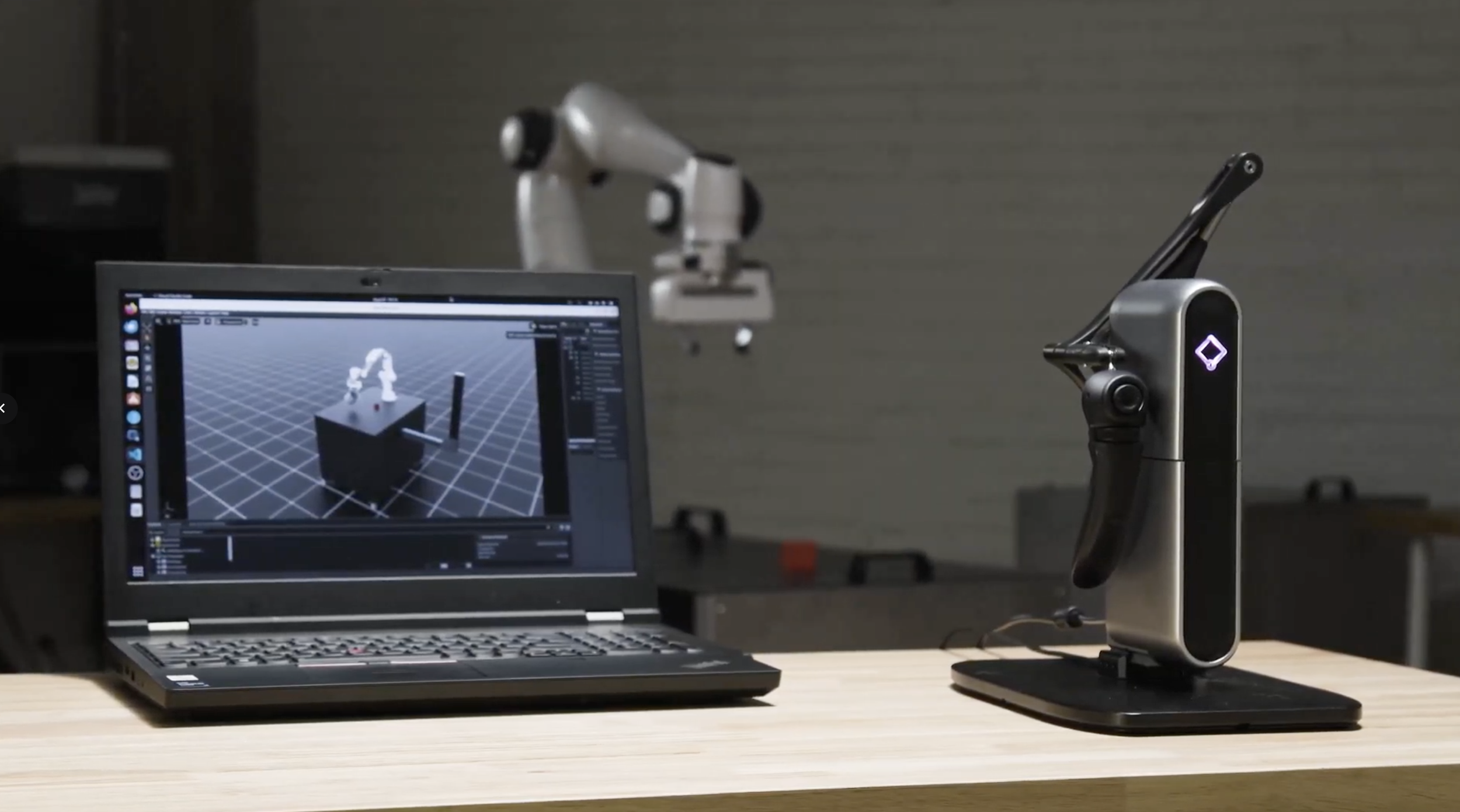
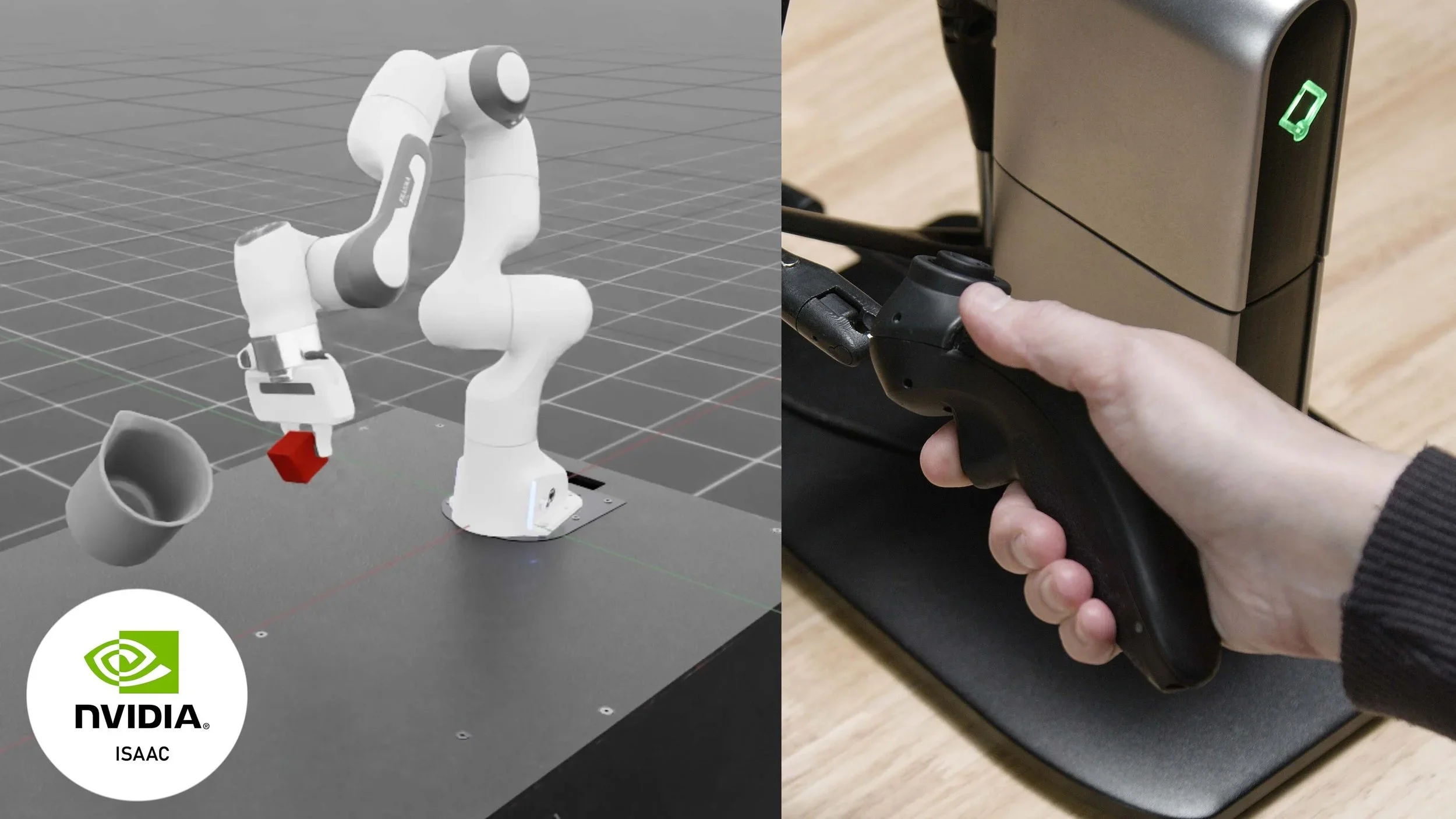
Inverse3 is a physical force-feedback controller that lets users move, control, and feel digital, simulated, and robotic environments. It combines high-resolution haptic feedback, fast refresh rates, configurable grips and mounts, and developer-friendly integration support for robotics, simulation, research, and training workflows.
Physical haptic control
Use a real input device to control robotic, simulated, or digital systems while receiving force feedback through the controller.
Configurable setup
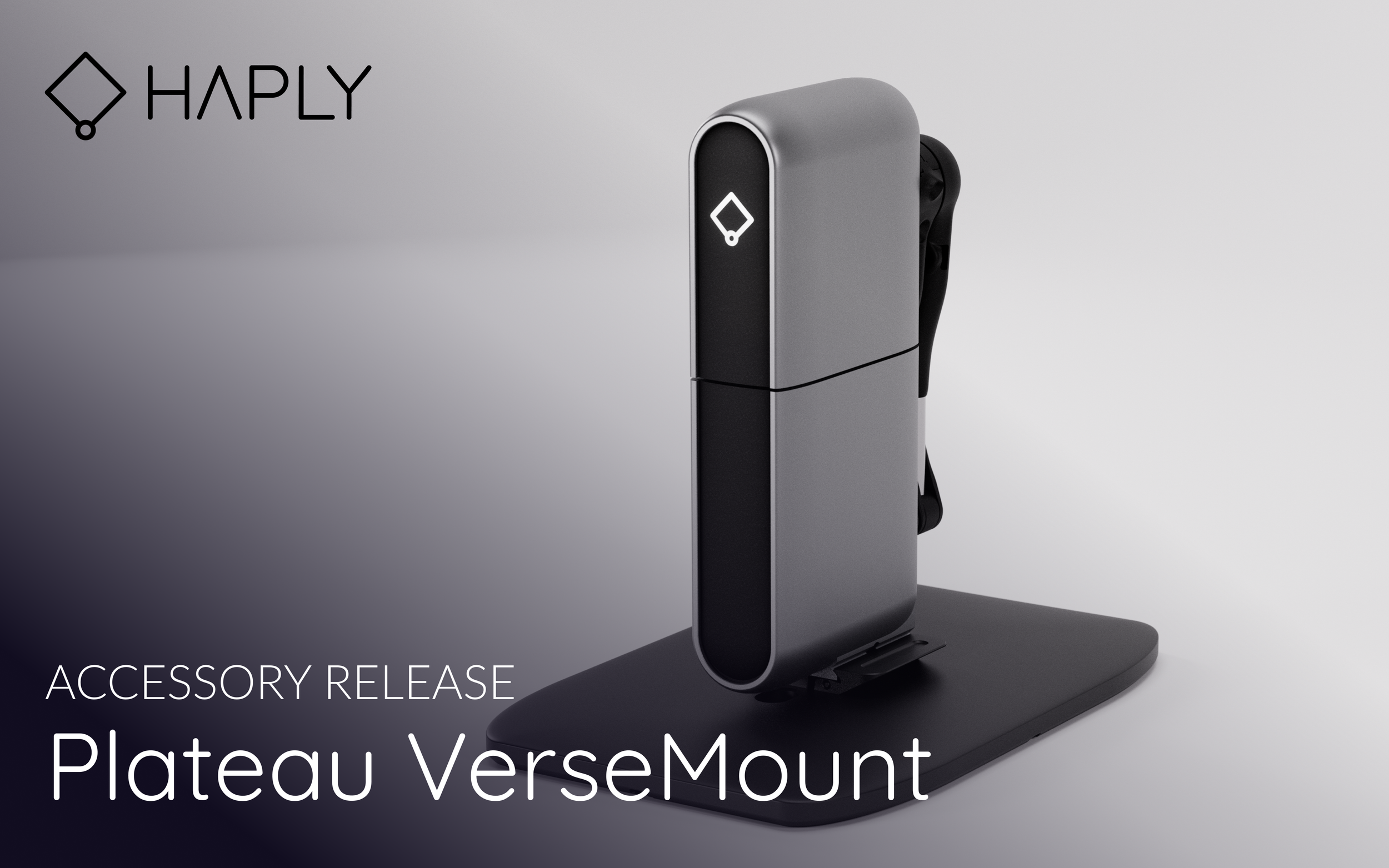
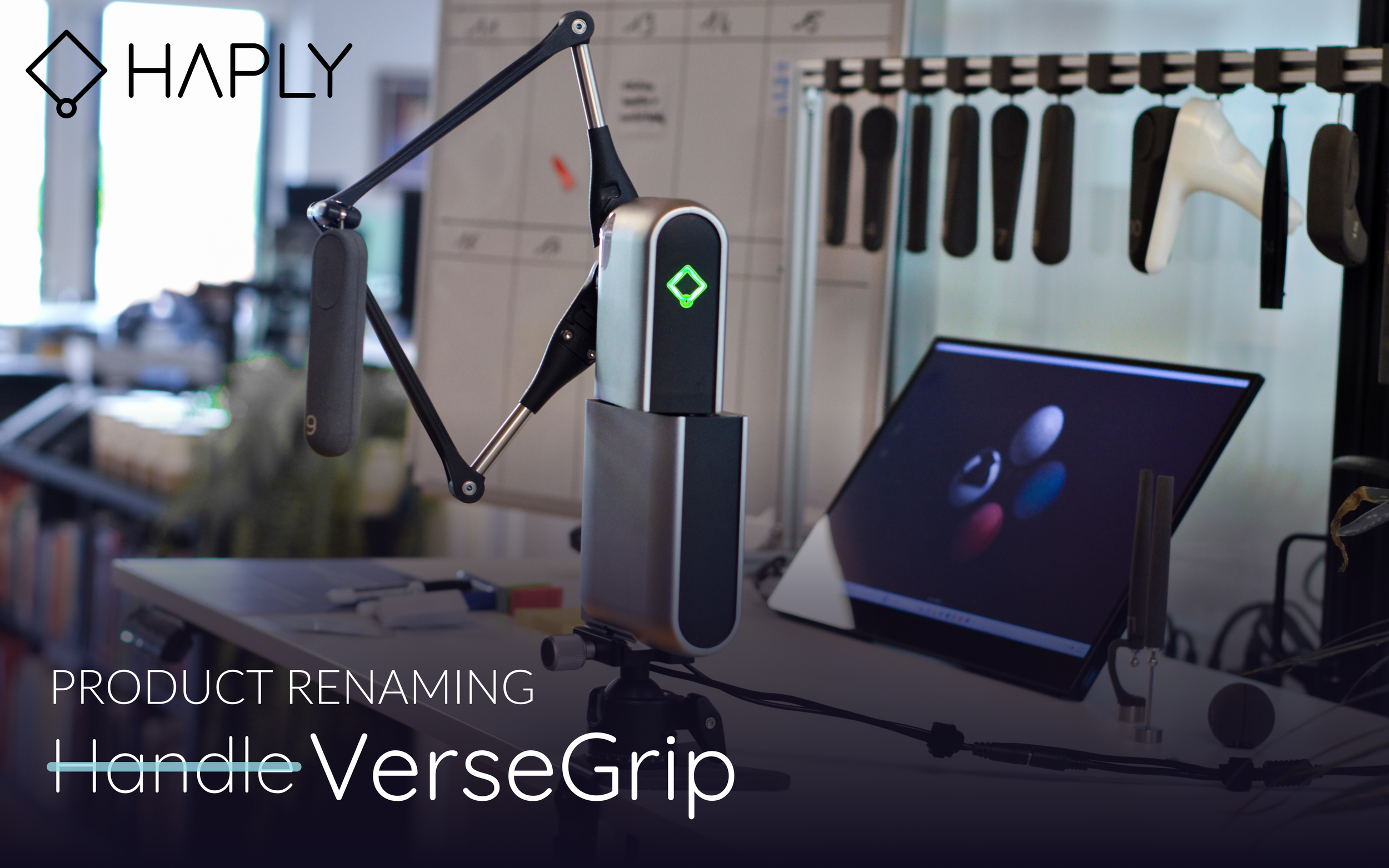
Adapt Inverse3 with VerseGrips and VerseMounts for different workspaces, user positions, and application needs.
Developer resources
Build haptic applications with supported development tools, examples, downloads, and documentation available through Developer Hub.
PRODUCT FIT
Who Inverse3 is built for
Inverse3 supports the broadest range of Haply force-feedback applications across robotics, simulation, research, training, medical, and industrial workflows.
Users and teams
Labs, researchers, robotics teams, simulation teams, medical simulation teams, industrial teams, and developers evaluating precision force-feedback control.
When to choose this
Choose Inverse3 when you need one precise, approachable haptic controller that can support exploration, prototyping, training, simulation, and professional force-feedback workflows.
Related use-case paths
Inverse3 supports the widest range of Haply workflows.
KEY OUTCOMES
What Inverse3 enables
Precision control
0.01mm resolution and 4kHz refresh for high-stakes haptic interaction
Portable platform
Compact and quick to set up for labs, demos, and fieldwork
Developer-ready
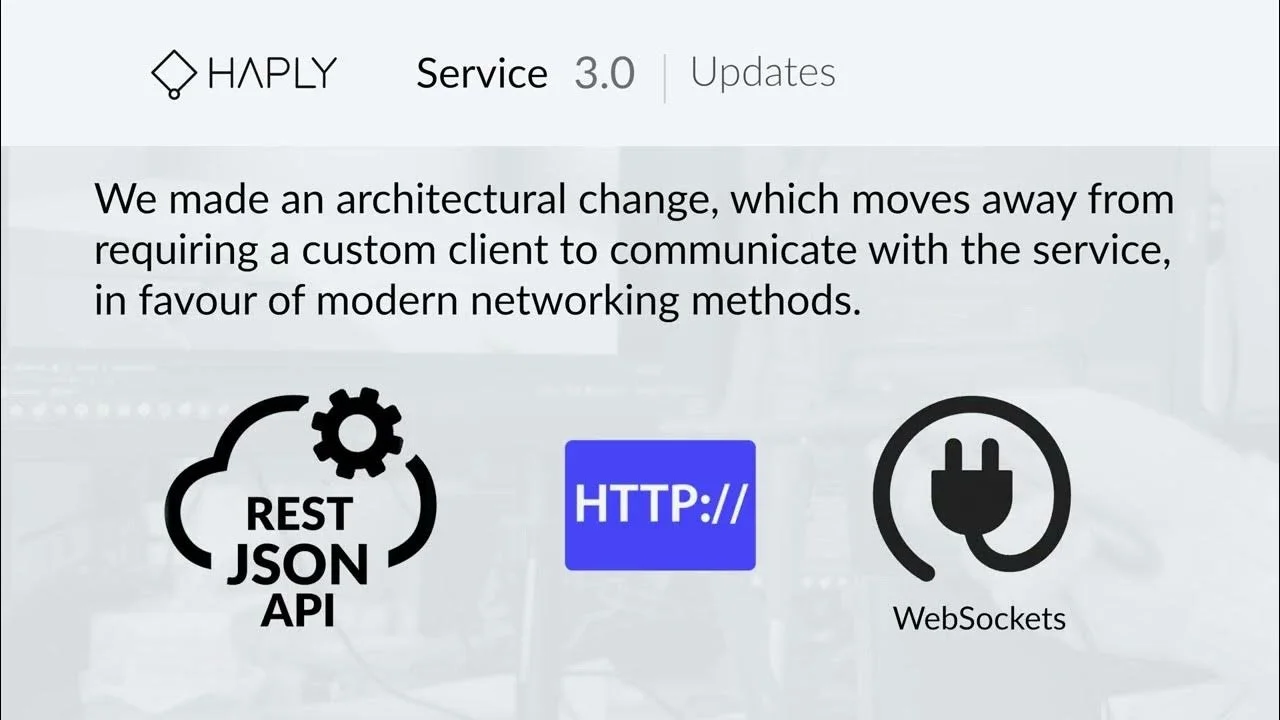
Supports multiple languages, game engines, and integration workflows
Training & simulation
Bring contact, resistance, and tool interaction into digital training environments
RAPID STARTUP
Getting started with Inverse3
A simple setup sequence helps teams move from device setup to haptic interaction quickly.
Secure to VerseMount
Start by securing the device to the VerseMount for a stable setup.
Power up
Power the system and prepare the device for calibration and use.
Unfold the arms
Unfold the arms and position the device for the intended workflow.
Calibrate the system
Run calibration so the device is ready for accurate haptic interaction.
Attach VerseGrip
Attach the VerseGrip that best fits the application and user interaction.
Start interacting with haptic force feedback
Begin using force feedback in robotics, simulation, research, or training workflows.
APPLICATION EXAMPLES
Real-world applications
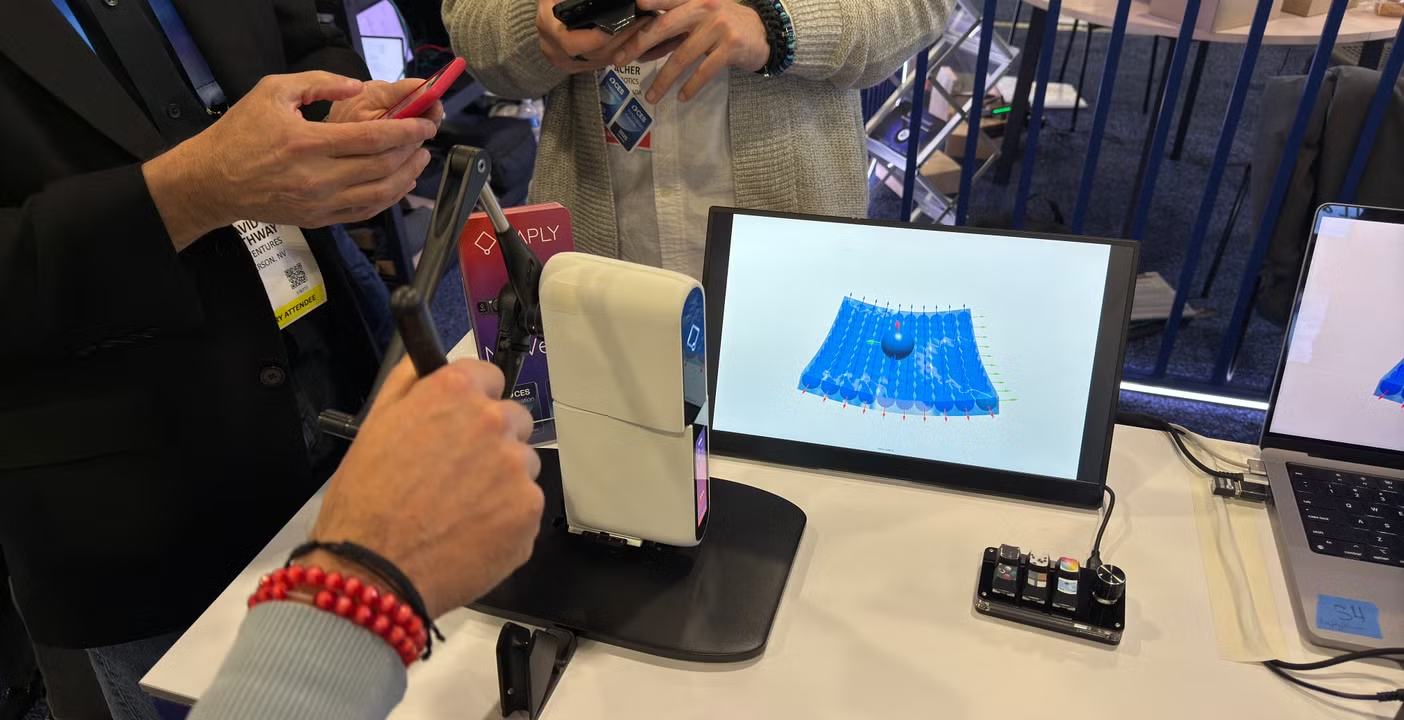
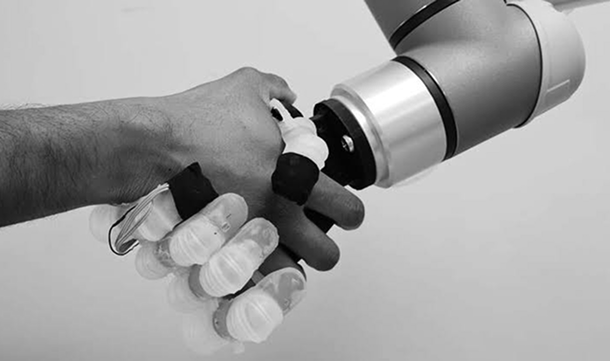
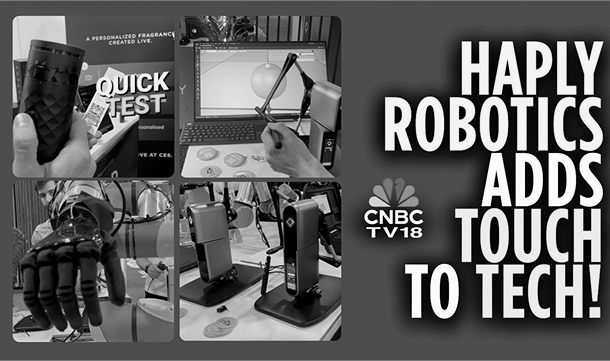
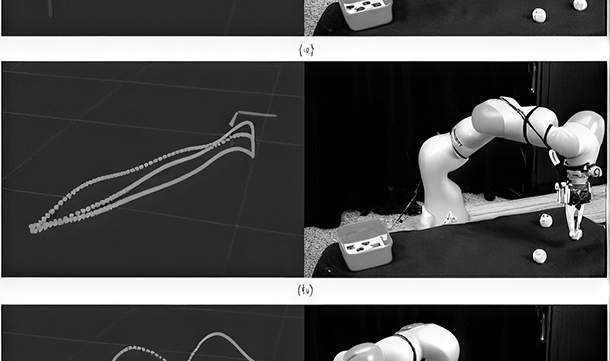
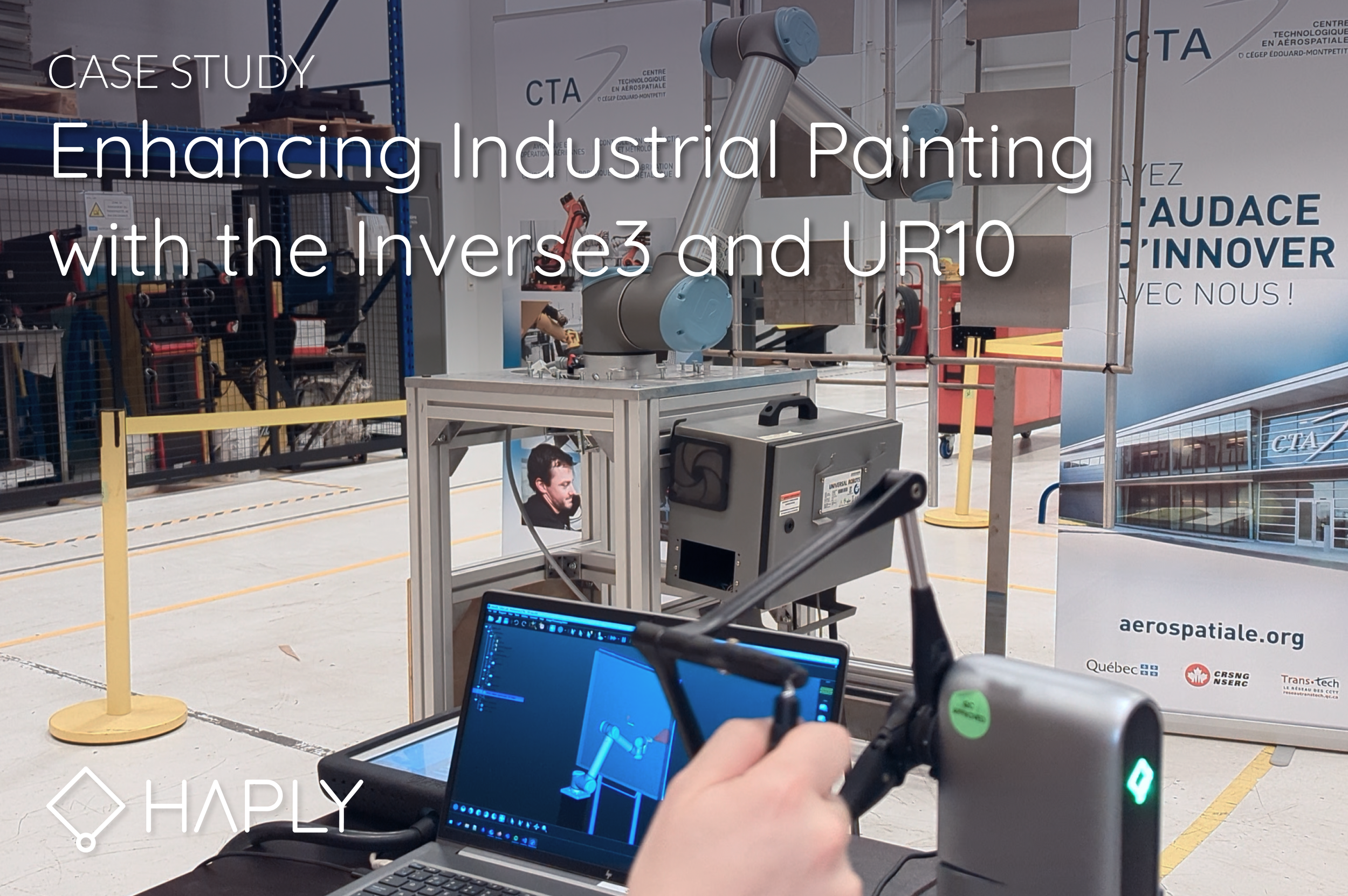
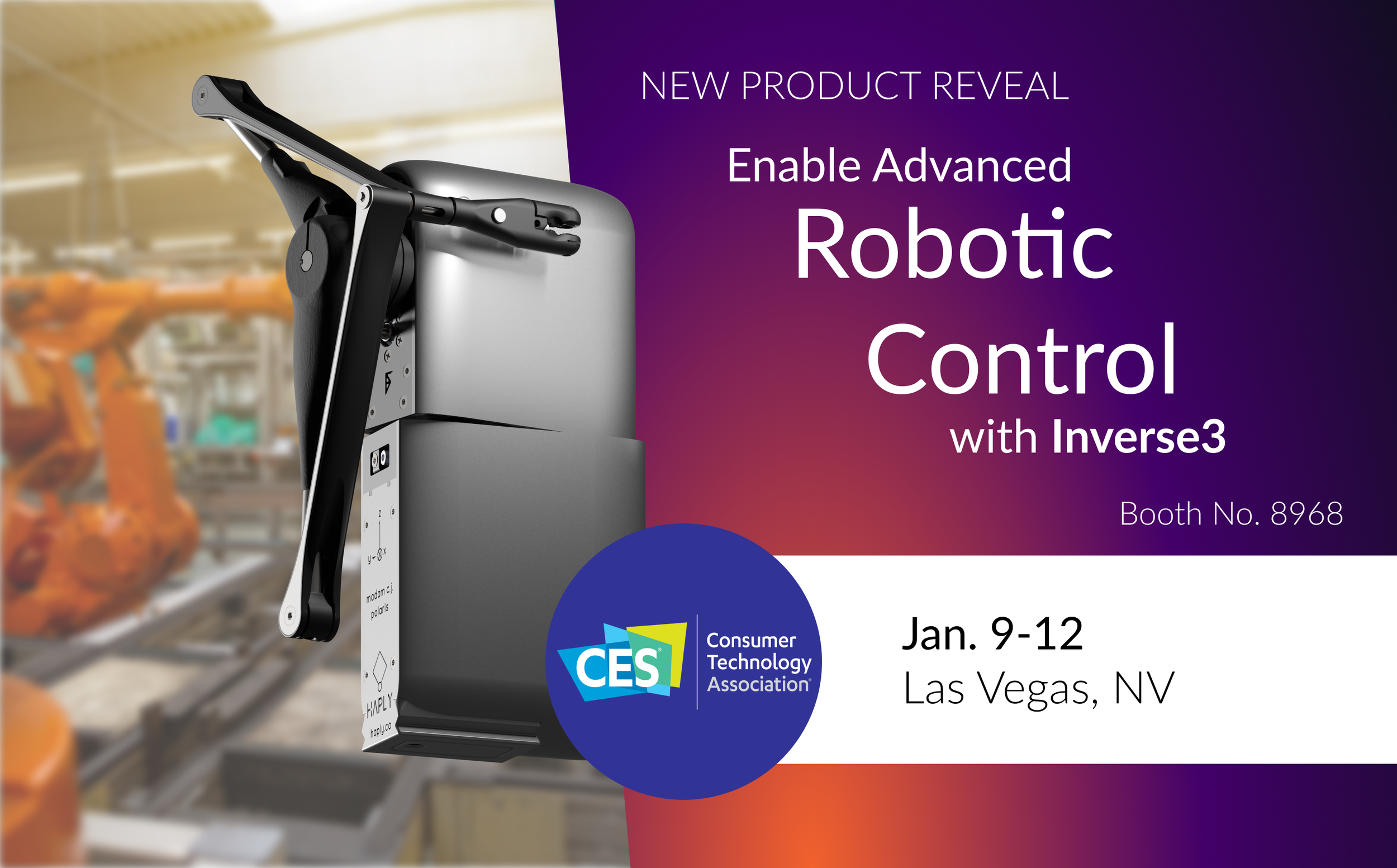
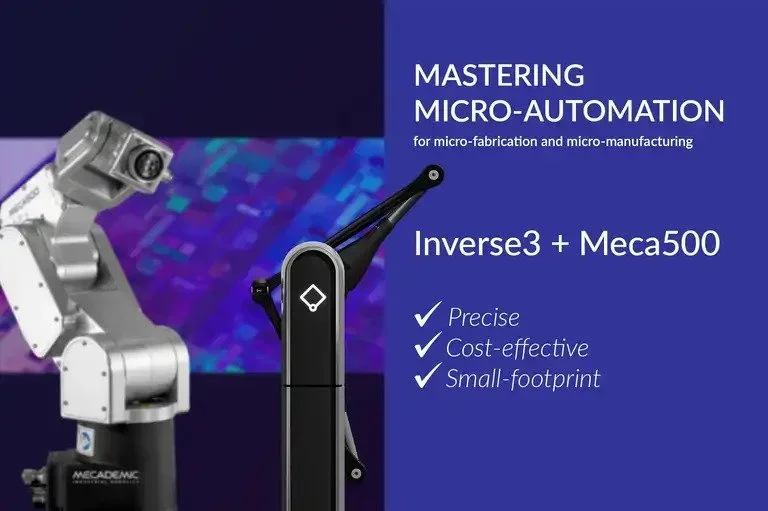
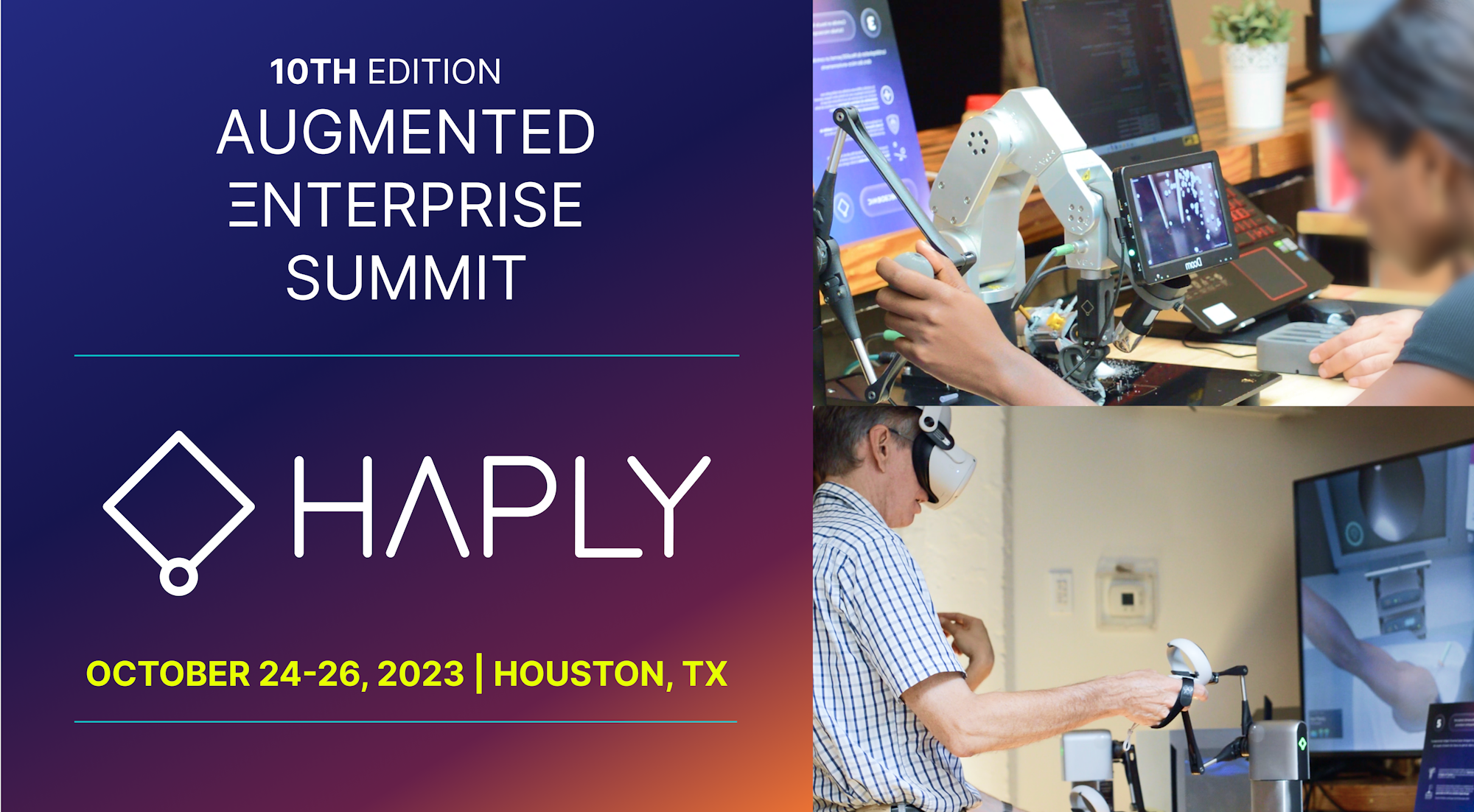
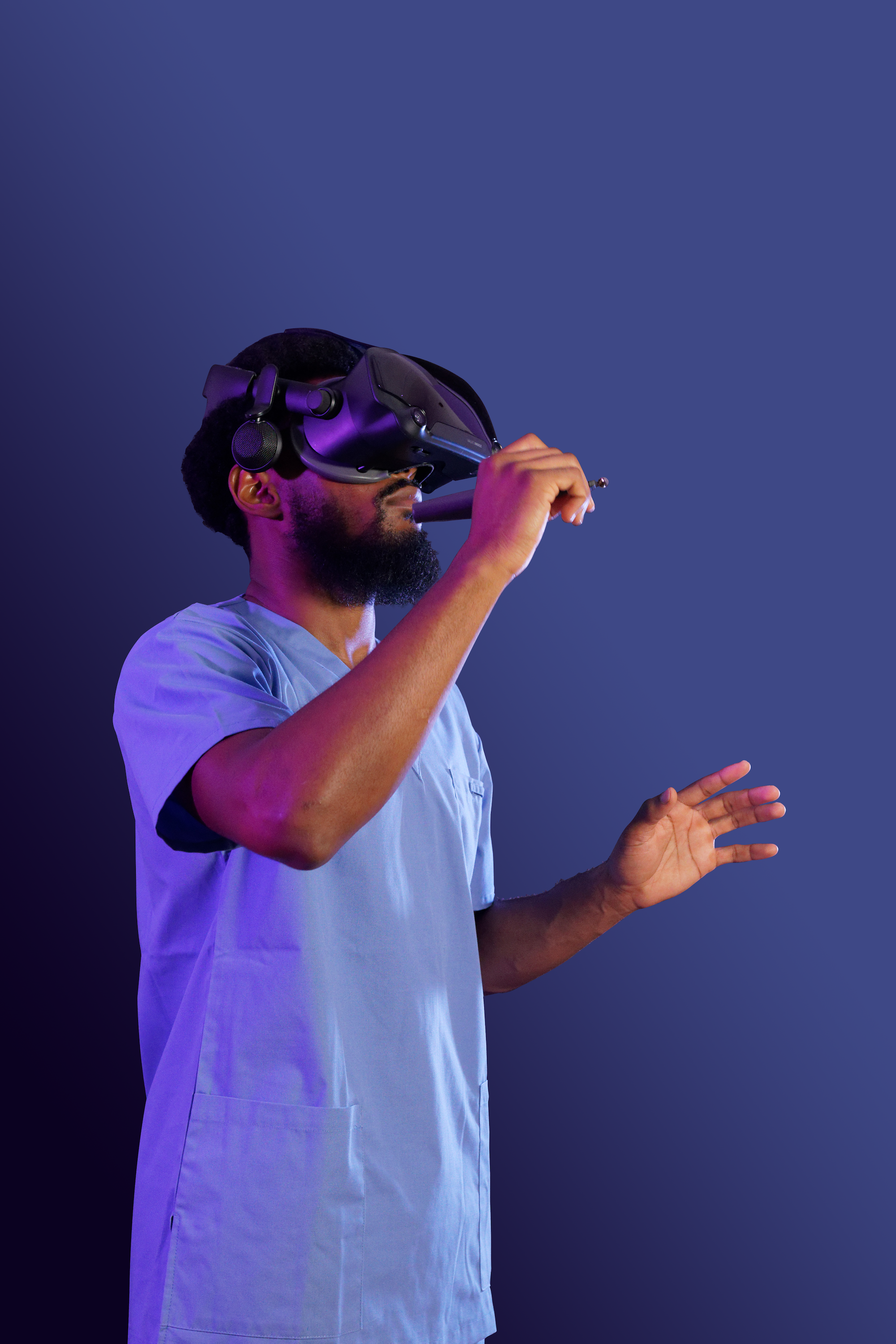
Interested in Inverse3 for your workflow?
Talk to our team about product fit, evaluation needs, pricing, procurement, and applications across robotics, simulation, research, training, medical, or industrial workflows.
SPECS & INTEGRATIONS
Technical details
SPECIFICATIONS
SETUP & INTEGRATION
For complete specifications and integration requirements, contact our team.
CONFIGURATION OPTIONS
Configure Inverse3 for your workflow
Adapt Inverse3 across robotics, simulation, research, and training environments with supported grips, mounting options, software tools, and developer resources.
Application-Ready Grips
Adapt the contact point and hand interaction to the workflow, from simulation to robot control.
Flexible mounting options
Configure Inverse3 for different workspaces, user positions, and setup requirements.
Setup and device management
Download tools, connect devices, and access setup resources through the Developer Hub.

SDK and docs
Use documentation, examples, and downloads to support haptic application development.

COMMON QUESTIONS
Common Questions
-
Inverse3 is a precision haptic controller used for robotics and teleoperation, skills training & simulation, medical simulation, and research applications where force feedback is required.
-
Inverse3 covers the widest range of use cases. Inverse3x offers higher performance and stability for enterprise and demanding R&D workflows where greater precision is required.
-
Inverse3 supports multiple programming languages and game engines for advanced haptics and control workflows. Full documentation and SDKs are available on the Developer Hub.
Talk to an Expert about your workflow
Whether you're evaluating Inverse3 for robotics, simulation, or research.